

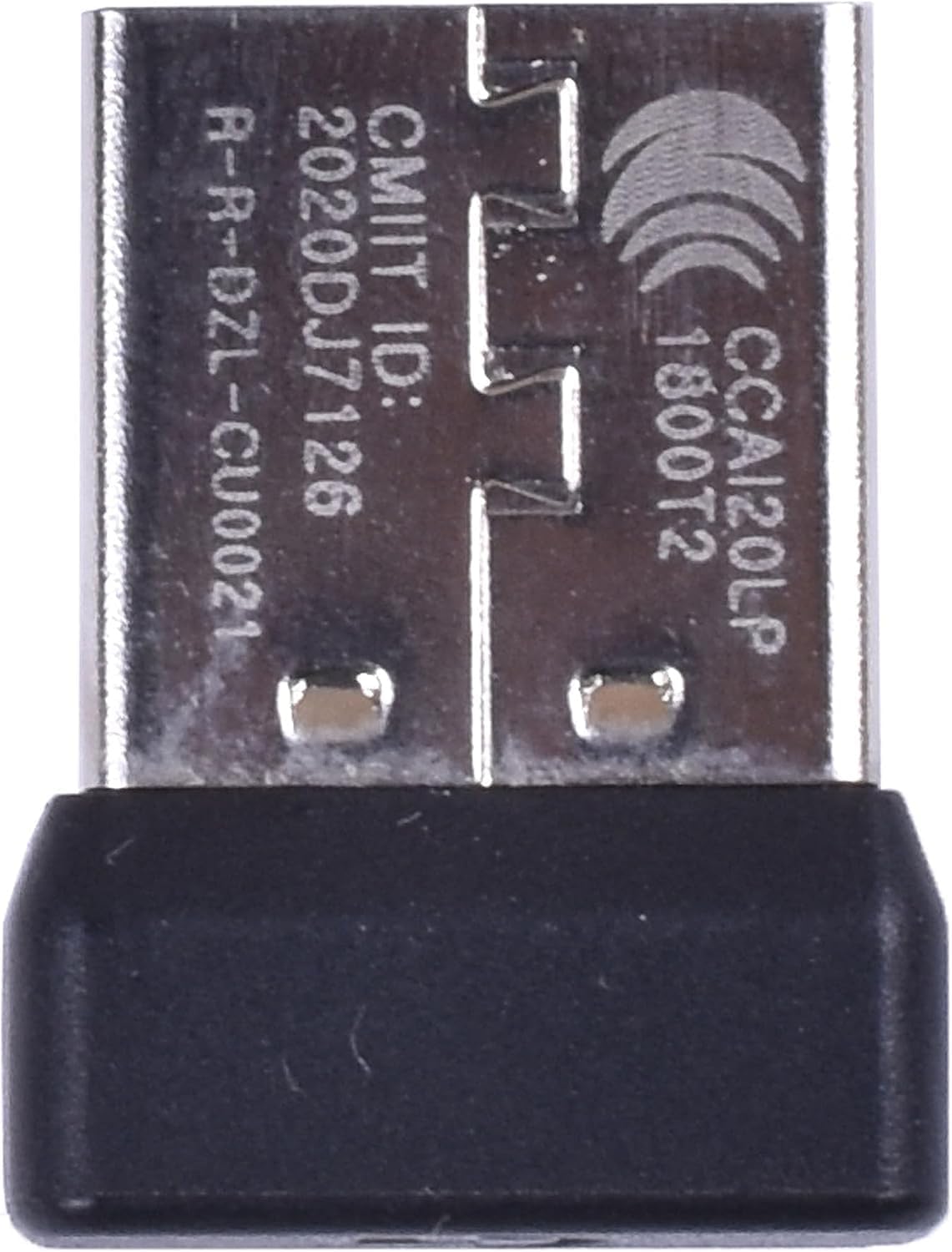
𝟮𝟬𝟮𝟲 𝗡𝗲𝘄 𝗨𝗽𝗴𝗿𝗮𝗱𝗲𝘀 Pro X USB Dongle Receiver Adapter,Compatible with Logitech Mouse for G Pro X Surperlight Wireless Gaming Mouse
Product details
| Management number | 239268973 | Release Date | 2026/07/14 | List Price | US$7.20 | Model Number | 239268973 | ||
|---|---|---|---|---|---|---|---|---|---|
| Category | |||||||||
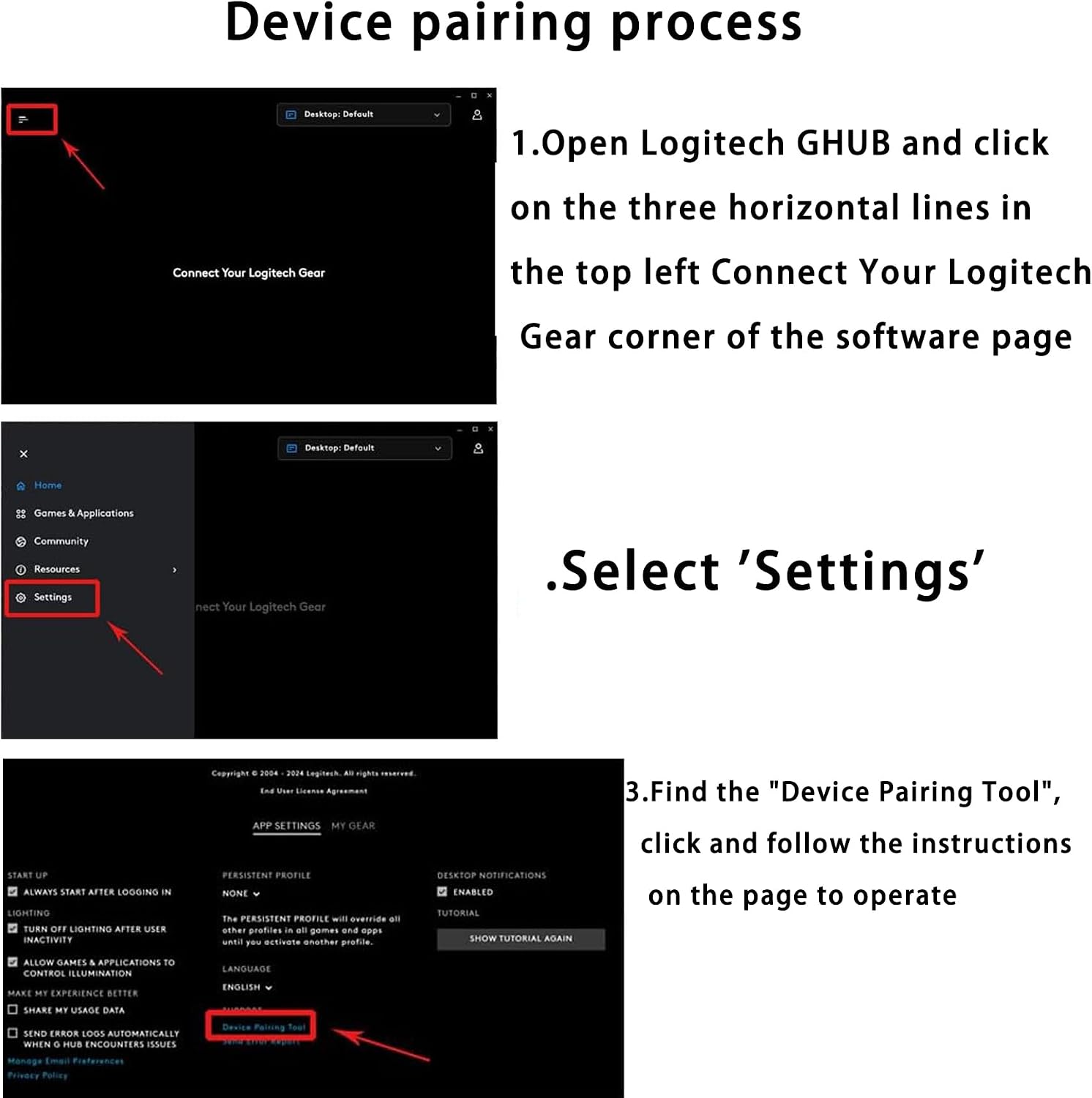
1. Plug in the adapter into a USB port of the PC. Turn the G Pro X Superlight mouse on. (And use a separate spare mouse, preferably not another G Pro X mouse to avoid confusion, to navigate the PC). 2. Launch " G Hub" 3. From the left-side menu, go to "Settings" 4. Select "Device Pairing Tool" under "SUPPORT" 5. Select "Pair Mouse" 6. Select "LIGHTSPEED MOUSE" for RECEIVER, and then "CONTINUE" 7. Select "PRO X SUPERLIGHT" for MOUSE (should say "Disconnected" underneath), and then "BEGIN PAIRING", which took me through the steps, including turning the mouse off and on at one point. 8. Pairing should finish and the mouse should begin working wirelessly!
- 100% Compatible with original USB Dongle Mouse Receiver Adapter
- Note: Please Download G Hub or Connection Utility Software to match the Mouse
- Type: Wireless Mouse Receiver; Interface: USB
- Warranty :Rest assured with 60 days Refund and 12 months Warranty;24 x 7 email support.
| UPC | 768924507417 |
|---|---|
| ASIN | B0F5PP4Q5K |
| Brand | SONXIAVIVO |
| Color | black |
| Unit Count | 1.0 Count |
| Manufacturer | Shenzhen Shi Jinwei Shuoguo Technology Co., Ltd |
| BuiltIn Media | Mouse Receiver |
| Compatible Devices | Mouse |
| Data Link Protocol | Bluetooth |
| Hardware Interface | USB |
| Warranty Description | 6 months |
| Compatible Operating System Family | Windows |
| Minimum Required Operating System Version | Windows 10 |
Bestseller ranking
Wireless Audio Receivers & Adapters


Customers who viewed this product also viewed
Annie's Fruit Snacks






Correction of product information
If you notice any omissions or errors in the product information on this page, please use the correction request form below.
Correction Request Form